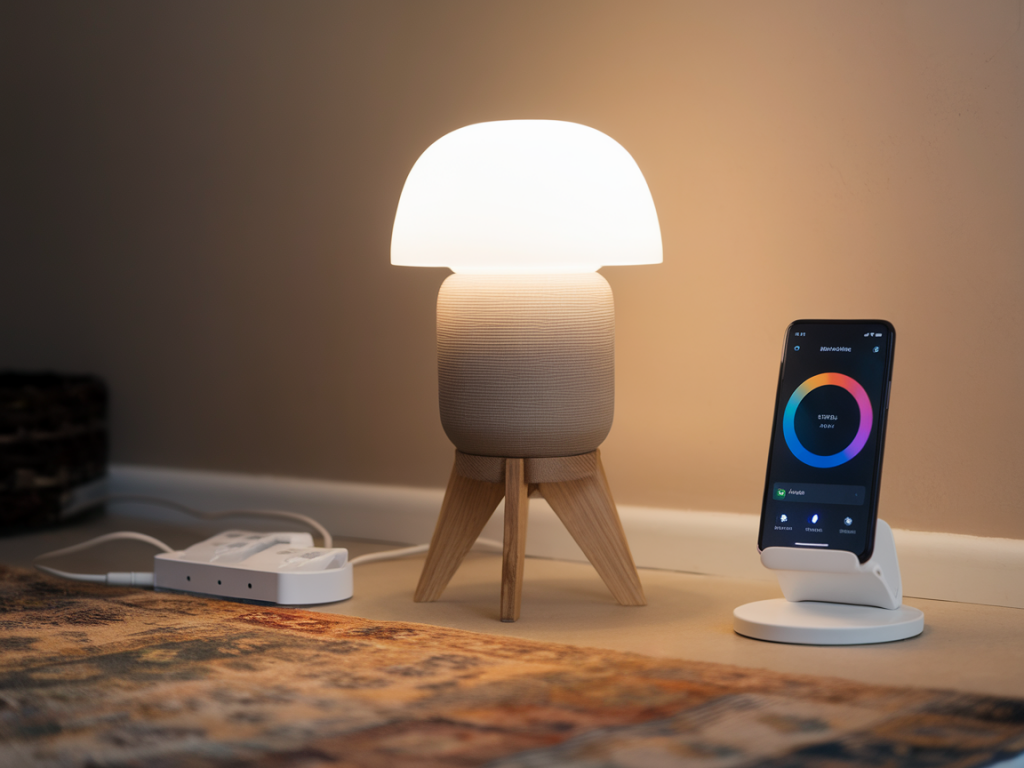
I’ve been living with smart lighting for years, and one of the recurring questions I get is: “Can I get the look and behavior of Philips Hue without paying Philips prices?” The short answer is yes — with a few compromises and the right mix of bulbs, bridges, and apps you can create a system that looks, responds, and integrates like Hue but costs a lot less. Below I’ll walk you through what I’ve tested, the trade-offs to expect, and a step-by-step setup that delivers reliable color, smooth automations, and sensible integrations while avoiding lock-in and sticker shock.
Why people want a Hue alternative
Philips Hue set the bar: excellent color, stable mesh (via Zigbee), polished app and ecosystem, and broad third-party support. But Hue bulbs and accessories are premium-priced, especially if you want bulbs for multiple rooms. Alternatives—like Sengled, IKEA TRÅDFRI, Innr, and Govee—can offer similar aesthetics, competent color, and cheaper starter kits. The trick is combining budget hardware with the right hub or software layer to mimic Hue’s behavior: fast local control, routines, scenes, and compatibility with voice assistants.
What “acting like Hue” really means
When I say “acts like Hue,” I mean a few practical things:
What I use and recommend
Over the last year I tested combinations of the following components and found a sweet spot for budget-conscious setups:
Why a Zigbee coordinator matters
Zigbee mesh is the reason Hue bulbs feel so snappy. Budget bulbs that are Zigbee-compatible can join that mesh and behave similarly. Using a Zigbee coordinator (ConBee II, Sonoff/Zigbee dongle, or a SmartThings hub) lets you manage bulbs locally through Home Assistant or another hub instead of relying on each manufacturer’s cloud. That gives you the responsiveness and reliability of Hue at a fraction of the cost, and lets mixed-brand bulbs communicate over the same network.
Step-by-step: setup that looks and acts like Hue
Here’s the approach I use when I’m building a low-cost Hue alternative from scratch:
Mixing Wi‑Fi bulbs and Zigbee bulbs
If you want to include cheaper Wi‑Fi bulbs (Sengled Wi‑Fi, Wyze, or Govee), you can — but they won’t join the Zigbee mesh. I treat Wi‑Fi bulbs as secondary accents and control them through Home Assistant using manufacturer integrations or MQTT where available. The UX will be slightly less consistent (some latency, occasional reconnections), but for lamps and small use-cases they’re perfectly acceptable and can reduce total cost.
Privacy, updates, and reliability trade-offs
Going budget means thinking about firmware and vendor clouds. IKEA and Innr have decent firmware support; lesser-known brands sometimes lag. With Home Assistant and a local Zigbee coordinator, you keep essentials local (control, automations) even if a vendor drops support. I also lock down network access for smart devices on a separate VLAN and use a regular update cadence for Home Assistant and Zigbee firmware to stay secure.
Quick compatibility table
| Brand | Protocol | Local control | Best use |
|---|---|---|---|
| IKEA TRÅDFRI | Zigbee | Yes (via coordinator) | Affordable, consistent RGBW bulbs |
| Innr | Zigbee | Yes | Good color & brightness; easy replacement for Hue |
| Sengled (Wi‑Fi) | Wi‑Fi / Zigbee models | Wi‑Fi: cloud/local via HA | Cheapest plug-and-play, no mesh |
| Govee | Wi‑Fi / Bluetooth | Cloud/local options limited | LED strips and accents; cheap |
| Philips Hue | Zigbee / Thread | Yes | Best polish and integration, priced premium |
Practical tips I learned the hard way
If your priority is absolute parity with the Hue app aesthetics, Hue still wins. But if you want the responsiveness, local automations, and color performance without the premium, a Zigbee-based budget stack managed via Home Assistant is my go-to recommendation. It gives you the best of both worlds: Hue-like behavior with much friendlier pricing and more control over privacy and integrations.