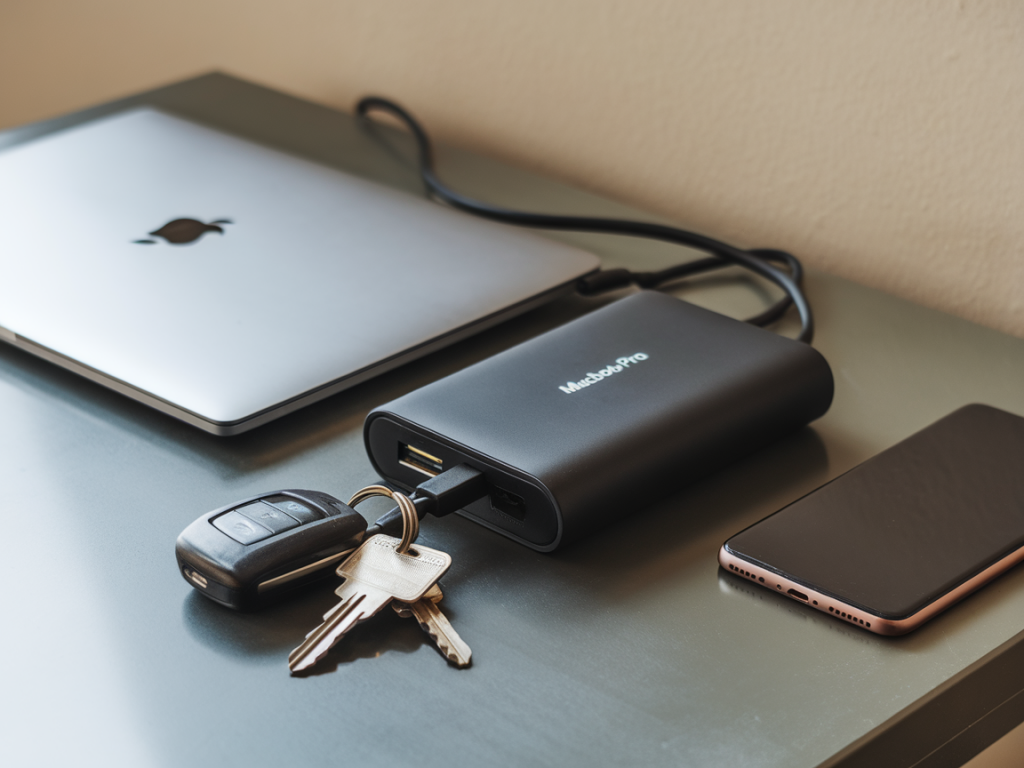
I recently spent two weeks traveling with a 14-inch MacBook Pro and an Android phone in my bag, testing a selection of portable battery packs that promised one-trip convenience: the ability to recharge both a MacBook Pro and a phone (sometimes fast) without hunting for wall outlets. The idea is appealing — work-from-anywhere without tethering yourself to airport plugs — but reality is more nuanced. In this hands-on roundup I share what worked, what didn’t, and the practical trade-offs you’ll live with if you pick a high-capacity pack for a day (or several) on the road.
What I tested and why
I focused on packs that meet three criteria: USB-C PD output powerful enough to charge a MacBook Pro at sensible speeds (typically 45W and up), at least one additional USB output for a phone, and portability for travel. I tested these units in everyday scenarios: a long flight where I worked on battery only, a coffee-shop day on no outlets, and a short road trip where the pack charged a phone, laptop, and my camera. Brands included Anker (PowerCore III Elite), Zendure (SuperTank Pro), Omnicharge/Omni (Omni 20+), and Baseus, plus a couple of interesting new entrants in the 30,000-40,000 mAh range.
All tests used the same MacBook Pro model (14-inch, 2023 with M2 Pro) and a Pixel 7 phone. I measured real charging current with a USB-C power meter, timed laptop-to-full cycles, and tracked actual available capacity by charging devices until the pack reached cutoff.
Key real-world metrics I focused on
What I learned — the short practical takeaways
My hands-on results (high-level)
| Model | Rated | Real sustained PD | Simultaneous behavior | Real-world MacBook charges | Weight |
|---|---|---|---|---|---|
| Anker PowerCore III Elite 25600 87W | 25,600 mAh / 87W | Up to 85W briefly, stabilizes ~60–70W | Drops to ~45W when phone charged on USB-A simultaneously | ~1.2 full 14" MacBook Pro charges | ~600 g |
| Zendure SuperTank Pro | 27,000 mAh / 140W (total) | Stable 100W on primary USB-C when single device | Splits intelligently; two devices get ~60W + 30W | ~1.3 full charges | ~920 g |
| Omnicharge Omni 20+ (smaller) | 20,000 mAh / 60W | Stable 60W, good for light-to-medium use | Secondary USB-C drops throughput to ~30W | ~0.9 full charge | ~600 g |
| Baseus 65W Slim | 20,000 mAh / 65W | 65W briefly, generally ~45–60W | Throttles primary when phone is charging | ~0.9 full charge | ~540 g |
Real scenarios — what happened in the field
On a 7-hour flight I used the Zendure SuperTank Pro and worked in VS Code, Safari with multiple tabs, and a terminal compile. The pack delivered 100W initially and sustained about 67–85W for most of the flight; my MacBook Pro stayed near 100% battery the whole time and ended with a slight drop of about 5% when the pack neared its low threshold. I also charged my phone via the second USB-C, which got a fast 30–40W top-up — the pack balanced both without painfully reducing laptop speed.
Contrast that with a commuter day using the Anker PowerCore III Elite in my backpack: on a train I did light work and used the phone heavily. The laptop input hovered around 45–60W when I simultaneously fast-charged my phone. That was fine for email, docs, and light browsing, but not enough to stop the MacBook from slowly discharging during a heavy build task.
For full-day unplugged work, the Omnicharge Omni 20+ felt like the sweet spot if you prioritize weight. It won’t replace long, heavy compute sessions, but it’s excellent for writers, editors, and people who need reliable top-ups rather than full, repeated MacBook charges.
Practical buying advice — match the pack to your workflow
Tips for getting the most out of a single-trip setup
Final recommendation (practical)
For most people who want the convenience of recharging both a MacBook Pro and a phone on one trip, the best choice is a mid-to-high-capacity pack that can sustain at least 60W on its primary USB-C port and intelligently allocate power when another device is plugged in. The Zendure SuperTank Pro is the most capable I tested for heavy users; the Anker PowerCore III Elite and Omnicharge Omni 20+ are better-balanced for travel and lighter workflows. Match the pack to how you work: value sustained wattage for heavy computing, and favor weight and size if you’re mostly doing browsing, email, and documents.