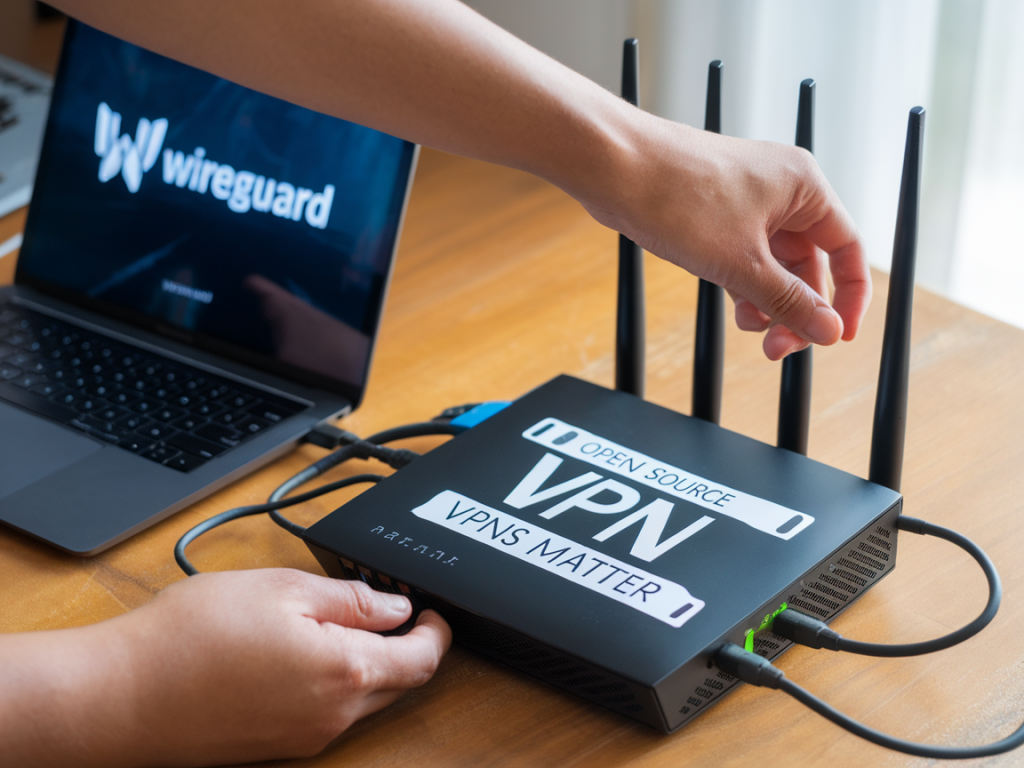
I’ve been testing VPNs for years — not because I’m afraid of the internet, but because I care about control, transparency, and predictable performance. Over that time I’ve moved from consumer apps to self-hosted solutions and, recently, to running WireGuard directly on my router. If you want a fast, modern VPN that you can audit (or at least inspect), open-source options matter — and WireGuard is a practical, high-performance way to get that level of control across every device on your network.
Why open-source VPNs matter
Open-source VPNs bring several advantages that matter to anyone who values privacy and long-term reliability:
In practice, that means fewer surprises and more options. When I place an open-source VPN on my router, I’m making the whole house safer and giving myself granular control over routing, DNS, and device-level policies.
Why WireGuard on your router?
WireGuard is designed to be simple, secure, and fast. It uses a small codebase (which makes auditing feasible), modern cryptography primitives, and straightforward configuration. Running WireGuard on your router has clear benefits:
Prerequisites — what you need before you start
To set WireGuard on your router today you’ll need:
Choosing firmware and router
Which route you take depends on your hardware:
Step-by-step: Set up WireGuard on OpenWrt (example)
This is a typical and repeatable workflow. If you use a different firmware, the steps and concepts are identical.
SSH into the router and run: opkg update && opkg install wireguard-tools luci-app-wireguard. The Luci app gives a GUI if you prefer it.
On Linux/macOS: wg genkey | tee privatekey | wg pubkey > publickey. Keep the private key secret.
In OpenWrt Luci: Network → Interfaces → Add new interface. Choose WireGuard. Set the Interface private key and an internal VPN IP (e.g., 10.0.0.1/24).
If you’re using a remote server (VPS), you’ll need the server public key and endpoint (IP:port). If using a provider like Mullvad, they provide configuration files or keys.
| /etc/wireguard/wg0.conf (server) |
| [Interface] Address = 10.0.0.2/24 ListenPort = 51820 PrivateKey = SERVER_PRIVATE_KEY PostUp = iptables -A FORWARD -i %i -j ACCEPT; iptables -t nat -A POSTROUTING -o eth0 -j MASQUERADE PostDown = iptables -D FORWARD -i %i -j ACCEPT; iptables -t nat -D POSTROUTING -o eth0 -j MASQUERADE |
| /etc/wireguard/wg-router.conf (router) |
| [Interface] Address = 10.0.0.1/24 PrivateKey = ROUTER_PRIVATE_KEY ListenPort = 51820 [Peer] PublicKey = SERVER_PUBLIC_KEY Endpoint = your.server.ip:51820 AllowedIPs = 0.0.0.0/0, ::/0 PersistentKeepalive = 25 |
Enable and start the interface: wg-quick up /etc/wireguard/wg-router.conf (or use the Luci UI).
Routing, firewall and NAT
Two things to remember:
DNS, leaks and kill-switch
Preventing DNS leaks is critical. On the router set DNS servers to a privacy-respecting resolver (Cloudflare 1.1.1.1, Quad9, or your VPN’s DNS). In OpenWrt, put the DNS in the interface’s “Advanced Settings” or use dnsmasq to force queries over the VPN interface only.
For a kill-switch: block WAN-to-LAN forwarding for client networks unless the WireGuard interface is up. In practice that means firewall rules that only allow outbound traffic when source is from the VPN interface, or scripting that disables LAN routing if wg0 is down.
Testing and troubleshooting
Performance tips
Which providers and setups I recommend
If you don’t want to self-host, use a trustworthy provider that supports WireGuard and publishes client configs or keys. Mullvad and ProtonVPN are two I’ve used: both support WireGuard and are open about privacy practices. For self-hosting, a small VPS (Linode, Vultr, or Scaleway) with a simple WireGuard installation is inexpensive and gives you full control.
Running WireGuard on your router isn’t just a power move for privacy; it’s the most pragmatic way to get consistent, network-wide protection that’s auditable and fast. If you want, tell me your router model and whether you’re planning to self-host or use a provider — I’ll walk through tailored commands and a config you can paste into your device.