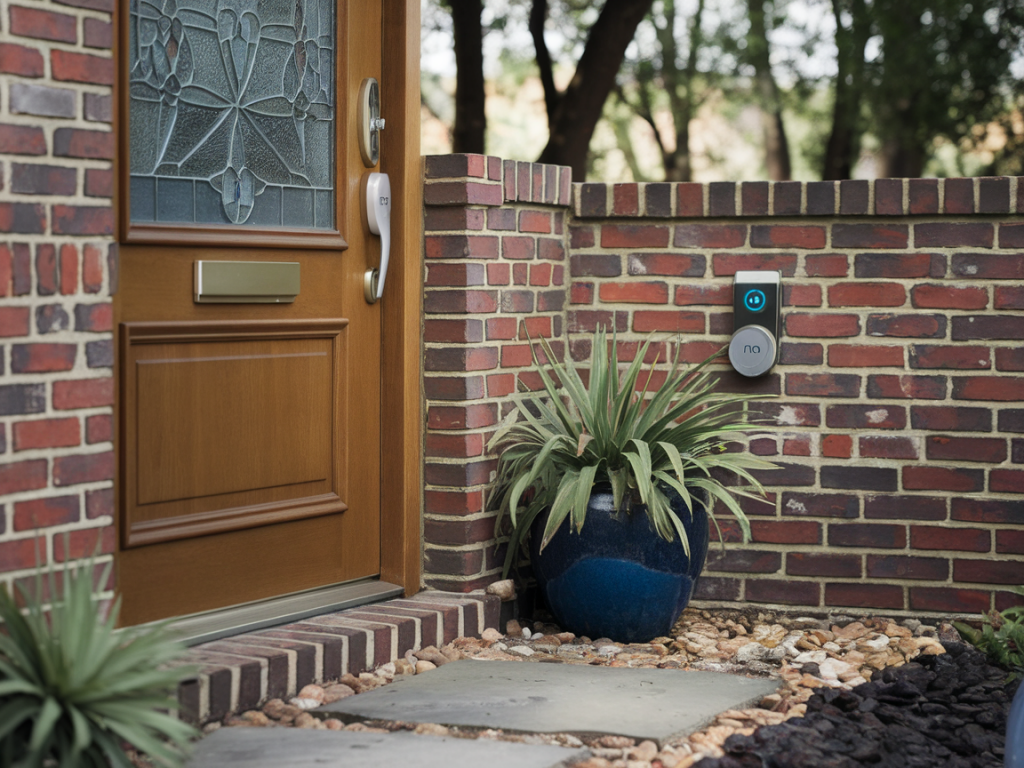
I own a Ring doorbell and, like many of you, I value the convenience of seeing who’s at my door from anywhere. But convenience shouldn’t come at the cost of security. Over the years I’ve seen headlines about hijacked cameras, leaked footage, and weak account protections — and I figured out a practical, under-10-minute routine that protects a Ring doorbell against the most common attack vectors. Below I’ll walk you through those steps in plain language, with the exact options I use and why they matter.
Why this matters
Smart doorbells are tempting targets: they’re always online, often loaded with video of the house exterior, and tied to payment and delivery information. The most frequent problems I’ve observed are weak passwords, shared/compromised accounts, insecure Wi‑Fi, and forgotten default settings. The good news is that you can dramatically reduce risk quickly — usually in less time than it takes to brew a cup of coffee.
Quick checklist (under 10 minutes)
Step-by-step: what I do first
Start with the Ring app on your phone — that’s the fastest route.
1) Enable Two‑Factor Authentication: Open the Ring app > Menu > Account > Two‑Step Verification. I use an authenticator app (Authy or Google Authenticator) instead of SMS. It’s a one‑time setup: scan the QR code or enter the code manually. This single action stops attackers who may have your password from logging in.
2) Set a strong, unique password: If you’re still using “password123” or reusing one from another site, change it. I create long, unique passwords with a password manager (1Password, Bitwarden). Aim for a passphrase or 16+ character password with mixed characters. The Ring app will prompt for your current and new password — do it now.
3) Review Shared Users: In the Ring app go to the specific device > Device Settings > Shared Users. Remove anyone you don’t recognize. If you frequently share access (neighbors, family), consider adding them to the Ring family account with specific permissions rather than sharing your main login.
Secure the network in under 2 minutes
Most hacks come via the local network. You don’t need to overhaul your router to make a big impact quickly.
If your router supports automatic firmware updates, enable them — otherwise schedule a quick manual update. A patched router prevents many attack vectors.
Tighten device settings (motion, privacy, recording)
Reducing unnecessary recording and exposure is both a privacy and security win.
Firmware and app updates
Outdated firmware is a common exploit path. In the Ring app, tap the device > Device Health > Firmware. If an update is available, install it. I also keep my phone’s OS and the Ring app updated. Most updates include security patches — don’t skip them.
Extra checks I do periodically (takes a few minutes)
Physical security basics
Not all attacks are digital. I mount my Ring doorbell using the included screws and the security bracket if available — some wired Ring models include a small screw that prevents thieves from unscrewing the unit. Consider an anti‑tamper kit if your model supports it. Also, position the camera so it has a clear view but is not easily reachable from a ladder or adjacent roof.
What to do if you suspect compromise
If you notice unfamiliar events or someone reports strange live access:
Tools and services I recommend
These are things I’ve used and trust for speed and reliability:
Final practical tips I use every month
I run through this mini checklist monthly and it takes only a few minutes: check firmware, review shared users, skim recent events for anomalies, and confirm the Ring app and phone OS are up to date. These small steps keep the doorbell secure without interrupting daily life.
Securing your Ring doorbell is mostly habit: enable 2FA, use a strong password, segment devices on your network, tighten motion settings, and keep firmware current. Do those things and you’ll block the majority of common hacks in under 10 minutes — and sleep better knowing your front door isn’t an easy target.